30 June 2026
Enabling Access Ports in Unifi
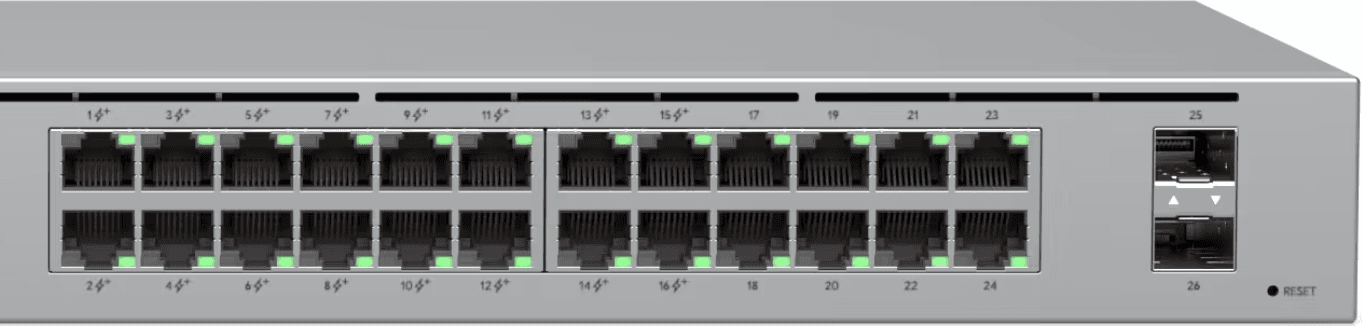
Configuring Access Ports
Configuring access ports involves:
- Setting the port mode to (STP) Edge
- Setting VLAN Tag management to block all
Setting the port mode to Edge
The easiest way to set a port mode to Edge is to navigate to the ports page on http://unifi-domain/network/default/ports.

From there you can select the port where you want to apply the change - ensuring that it's an end device, e.g. a laptop, smart bulb and not a switch.
A side bar will pop-up with a list of settings for that particular port. You'll need to go to Core Settings.
Underneath Core Settings there will be a radio option where you can then set the port to Edge.
Setting the VLAN access
You can also set the VLAN access on the same page in the same section. Select the VLAN ID (or tag) that you wish your device to be connected.
Set the native VLAN tag on the port to ensure anything connected gets that tag and then select Block All.
Conclusion
Having the above two measures in place with appropriate firewall rules is the best start to properly securing devices on your network.